
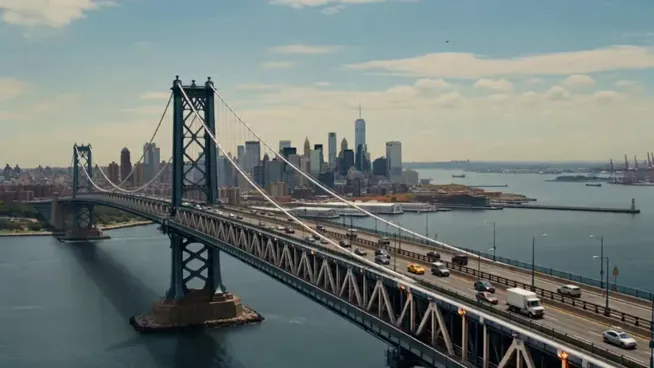
Featured Example
Giant Cat Destroys the Suspension Bridge
Disaster spectacle as a colossal cat erupts from the ocean and crushes a city bridge
Create a video directly in your browser. Choose a supported generation mode, write a six-part Seedance prompt, upload optional reference media, select your video settings, and review the required credits before generating.
First 5 images are included; each additional image uses 3 credits.
MP4 / MOV / MKV, up to 5 files, 50MB each
MP3 / WAV / AAC / FLAC, up to 5 files, 15MB each
Checking your account…

Hover to preview on desktop; tap to load and play on mobile.
Browse AI-generated samples. Hover to preview, click to load the prompt.
Disaster spectacle as a colossal cat erupts from the ocean and crushes a city bridge
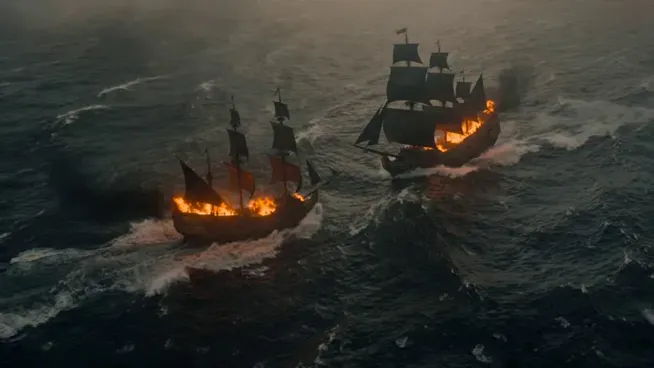
Medieval naval battle with boarding combat, flaming masts, and sinking ships

Original suspense-action anime pilot trailer set across a cold, oppressive city
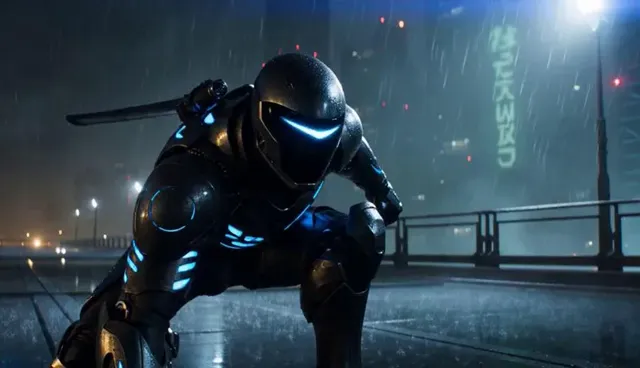
Neon-soaked rooftop duel between a mecha ninja and a heavy armored enemy
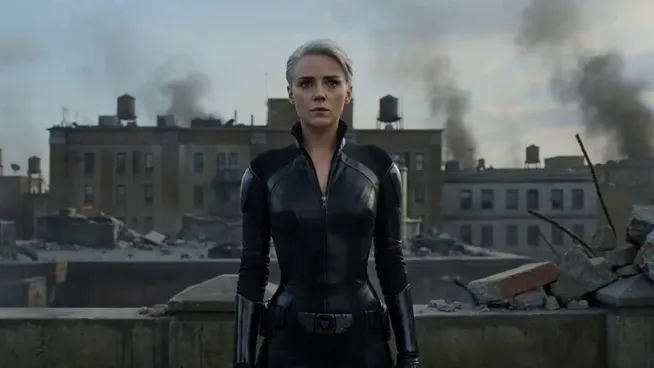
Sci-fi armor assembly sequence on a war-torn rooftop with a violet energy surge
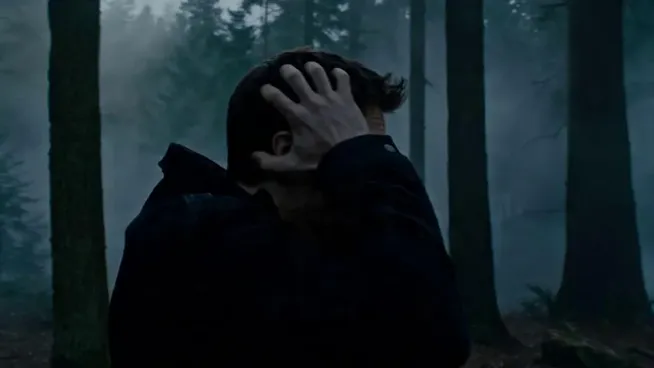
Dark fantasy 360-degree transformation with a violent, bone-crunching evolution

Hyper-realistic racing clip with suspended rain and an orbiting bullet-time camera
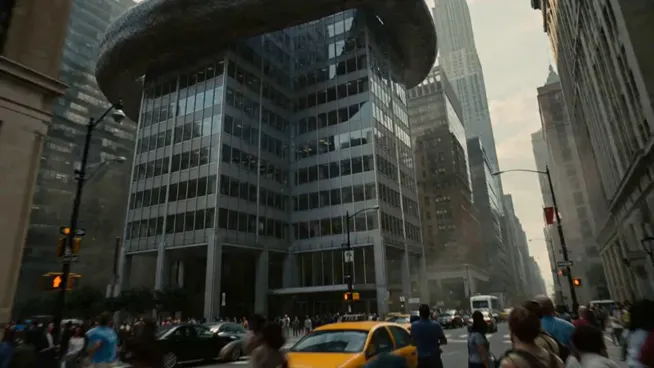
Urban disaster VFX with a giant serpent, helicopters, and layered explosions
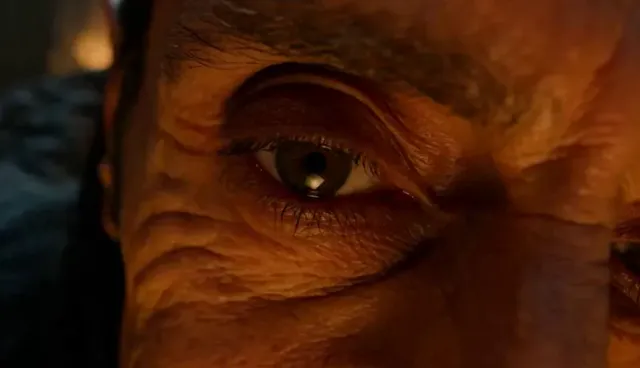
Dark fantasy short with talismans, mechanical crows, and an eerie blue-flame payoff

Tank muzzle blast and projectile impact frozen in hyper-detailed slow motion

Luxury flight turns into a violent cockpit scramble inside a brutal storm

Desert camouflage soldiers move through dust, smoke, and sunset-lit war ruins
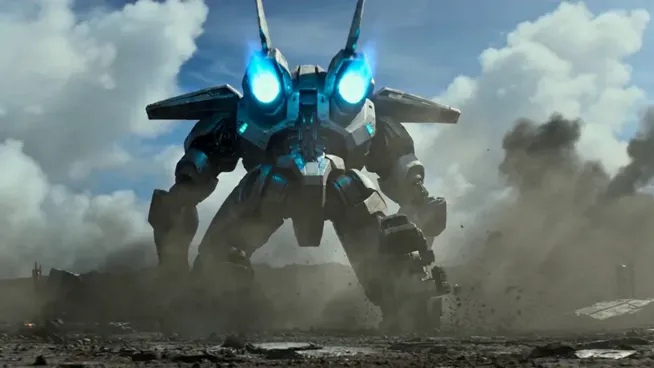
Titanium-alloy mecha rockets skyward with cyan thrusters and a sonic boom finish

Industrial armor frame assembles around a soldier inside a dusty desert hangar
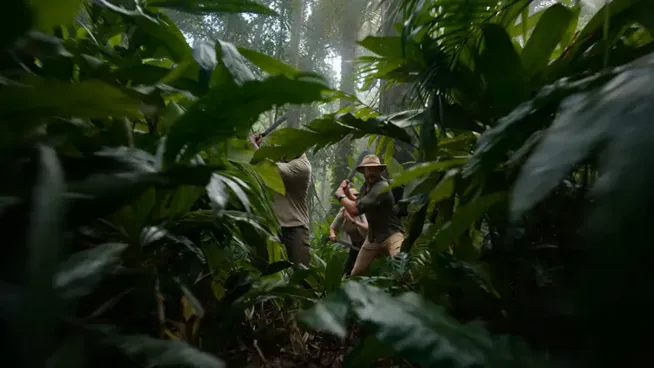
Survival thriller as a colossal python hunts an expedition team in the jungle
Frequently asked
Direct answers about Seedance prompting, Seedance 3.0 status, credits, and seedance3.run.
Last verified: 2026-11-24
Seedance is ByteDance Seed’s multimodal AI video generation model family. It supports text-to-video, image-to-video, multimodal reference tags (@Image, @Video, @Audio), native multi-shot storytelling, and synchronized audio.
Follow the six-part sequence: Subject, Action, Scene, Light, Camera, and Audio—aiming for 60 to 100 words per shot. See our Seedance Prompt Guide for camera terms, @Tag rules, and six copyable templates.
No. As of 24 November 2026, ByteDance’s Seed models page lists Seedance 2.5 and does not list Seedance 3.0. Track verified official updates on our Seedance 3.0 release date page.
Seedance 2.5 is an officially launched ByteDance model supporting up to 30-second multi-shot clips, multimodal references, and native audio. Seedance 3.0 has not been announced by ByteDance yet, so no official 3.0 specification exists.
Yes. Seedance’s core directorial grammar—visible subject first, ongoing action, anchored scene, directional lighting, one camera movement, and explicit audio cues—has remained consistent across 1.x, 2.0, and 2.5.
No. seedance3.run is an independent third-party platform and is not operated by, affiliated with, or endorsed by ByteDance. Seedance™ and related marks belong to ByteDance.
Yes. seedance3.run provides a browser-based generator interface with upfront credit estimates. Live modes, resolutions, durations, and input types are displayed directly in the workspace.
Yes. In Image-to-Video (I2V), upload your start frame and describe only motion, physics, camera movement, and audio without re-describing static elements. See our Seedance Prompt Guide for I2V templates and @Tag rules.
Yes. Seedance supports high-resolution output tiers including 768p, 1080p, and 2K depending on the selected model route. Check the generator controls on seedance3.run for live resolution options.
Published specs reach up to 15 seconds on Seedance 2.0 and up to 30 seconds on Seedance 2.5. Available duration limits in the seedance3.run workspace depend on the selected model and resolution.
Yes. Seedance 2.0 and 2.5 generate native dialogue, ambient sound, and sound effects alongside video. Describe desired sound at the end of your prompt or add "no background music" to keep audio clean.
seedance3.run charges credits based on the selected generation settings, including resolution, duration, and reference inputs. The live credit estimate is shown before you submit each task.
If a generation fails because the generation service cannot complete the task, the corresponding credits are automatically returned according to the seedance3.run credit policy.
Commercial usage depends on the applicable upstream model terms, seedance3.run Terms of Service, and rights to any prompts or reference media you upload. Review the current terms before commercial distribution.
Yes. seedance3.run offers daily check-in credits—10 free credits per daily check-in, up to 30 cumulative credits per user or IP—so you can test prompts before purchasing a plan.
Copy a six-part prompt from our guide and test it directly in the browser.